

Introduction
Paige Connect is an adaptation for braille writers which records key presses and displays the instantaneous translation on an accompanying web app on a phone, tablet, or laptop. It enables collaboration with sighted peers, parents, and teachers. Paige Connect transforms your classic Perkins braille writer* into a Bluetooth keyboard. This makes it compatible with any software that accepts SDFJKL braille input.Our product is not manufactured or endorsed by Perkins School for the Blind
and Paige Braille is not affiliated with Perkins School for the Blind.
What’s in the box?
- Paige Connect board: model
v1 - Power cable: Type A Plug to DC Barrel Plug
2.5 x 5.5 mm
Safety and Warnings
- Only use a USB power adapter / computer USB port to power Paige Connect. Using other power supplies can cause an overheating hazard.
- If the equipment is used in any manner not specified by the manufacturer the protection provided by the equipment might be impaired.
- We do not recommend modifying Paige Connect or its original accessories, like the power cable. Only accessories which meet the manufacturer’s specifications shall be used.
Installation Guide
Follow these three simple steps to install Paige Connect in your braille writer.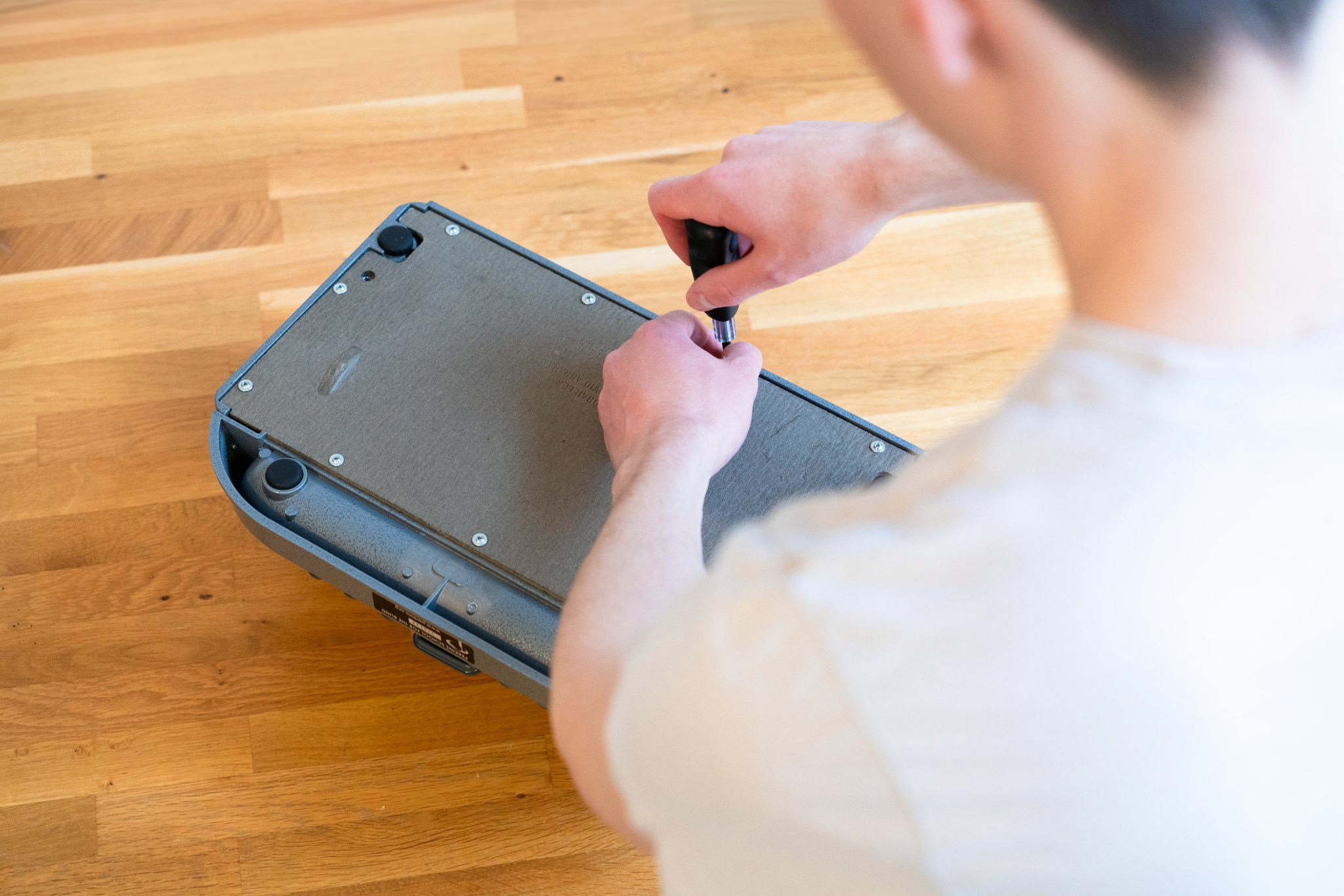
Install Paige Connect
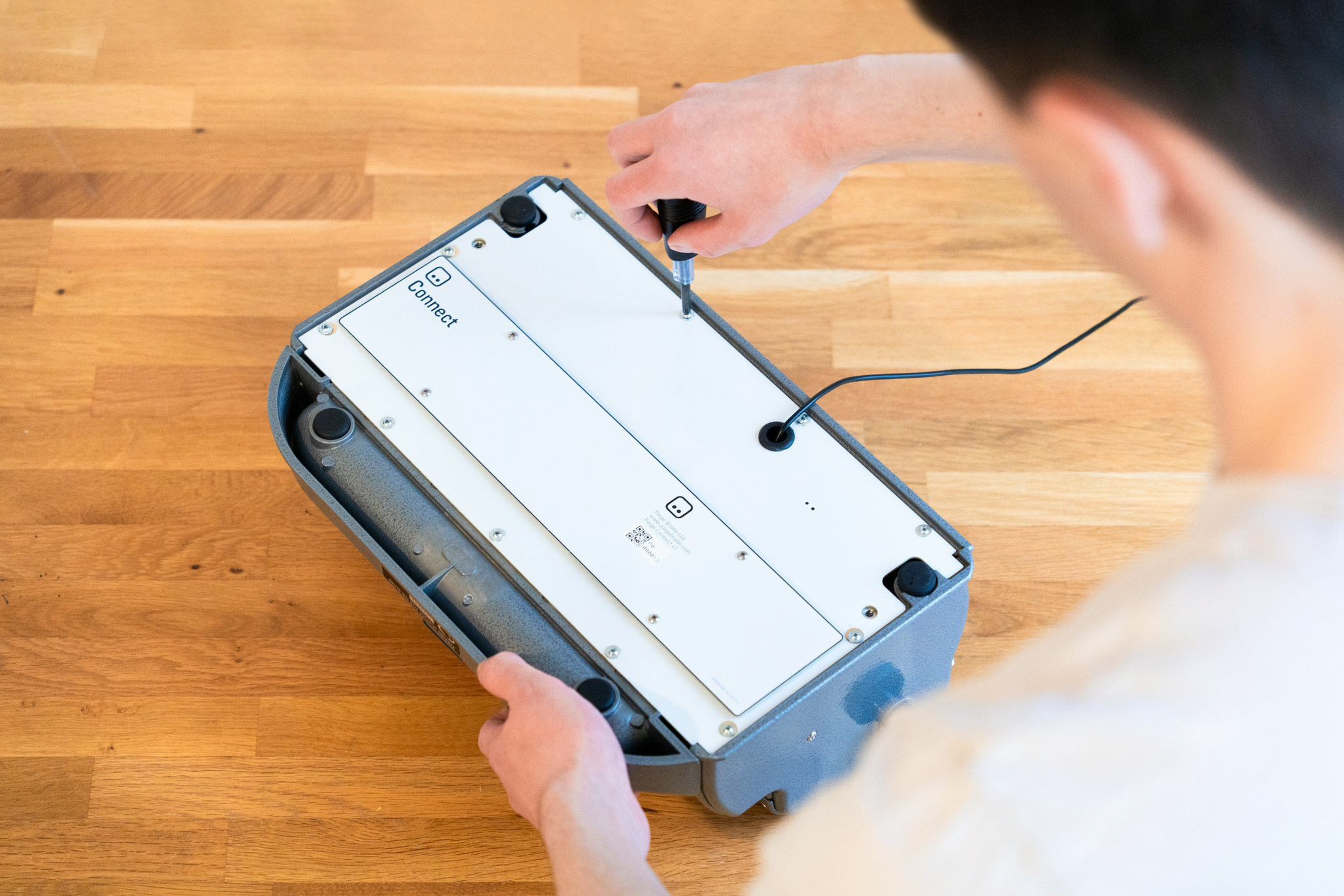
Replace it with the Paige Connect board. Before tightening the screws move the board side to side until it is positioned so that the space key can lower fully.
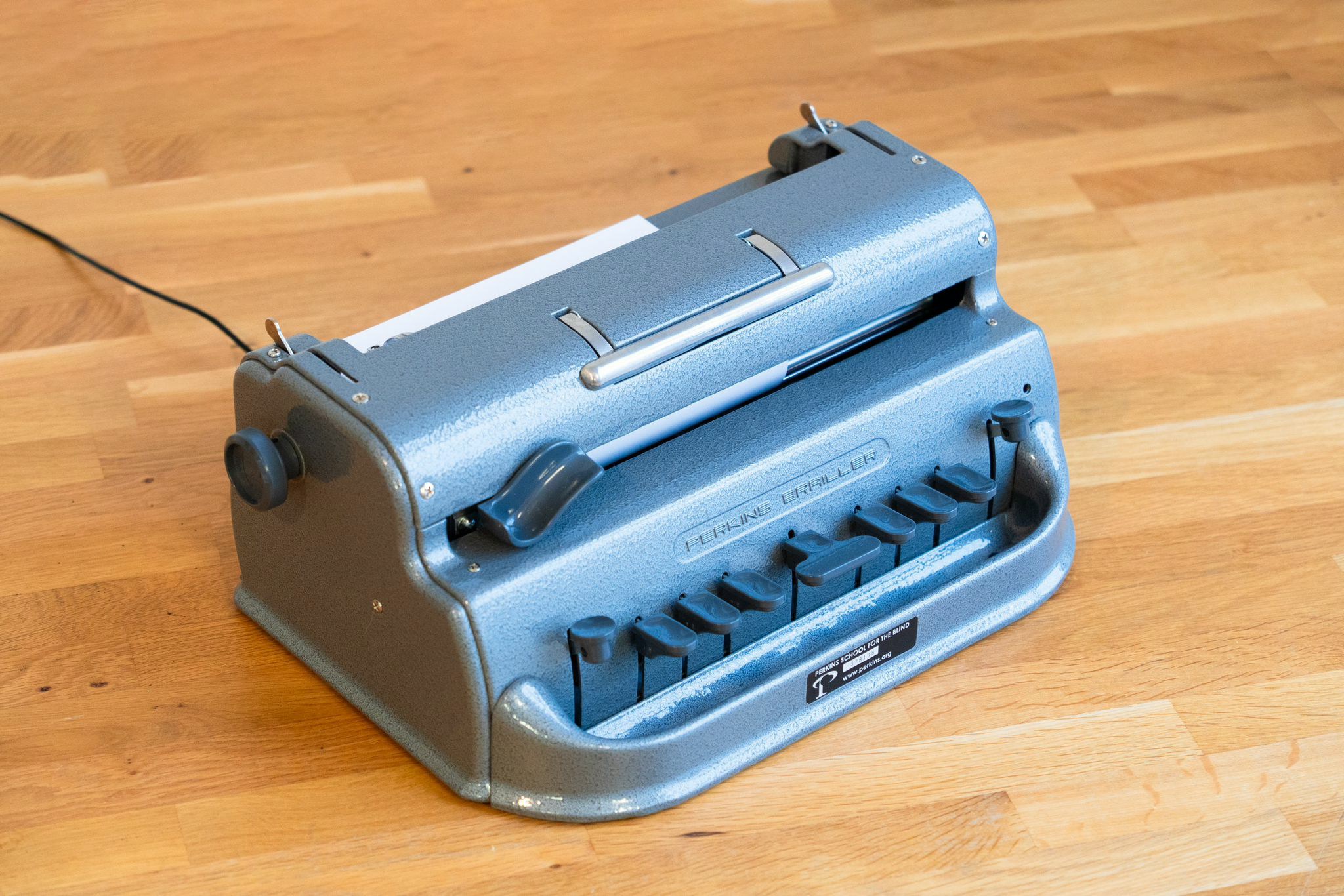
Using Translate Feature
Experience real-time braille to print translation with these simple steps.Connect via Bluetooth
On your phone, tablet or laptop, turn Bluetooth on and pair with Paige Connect.
Visit our website
Go to our website at paigebraille.com/translate.

Using Learn Feature
Start your braille learning journey with our interactive exercises.Connect via Bluetooth
On your phone, tablet or laptop, turn Bluetooth on and pair with Paige Connect.
Visit learn page
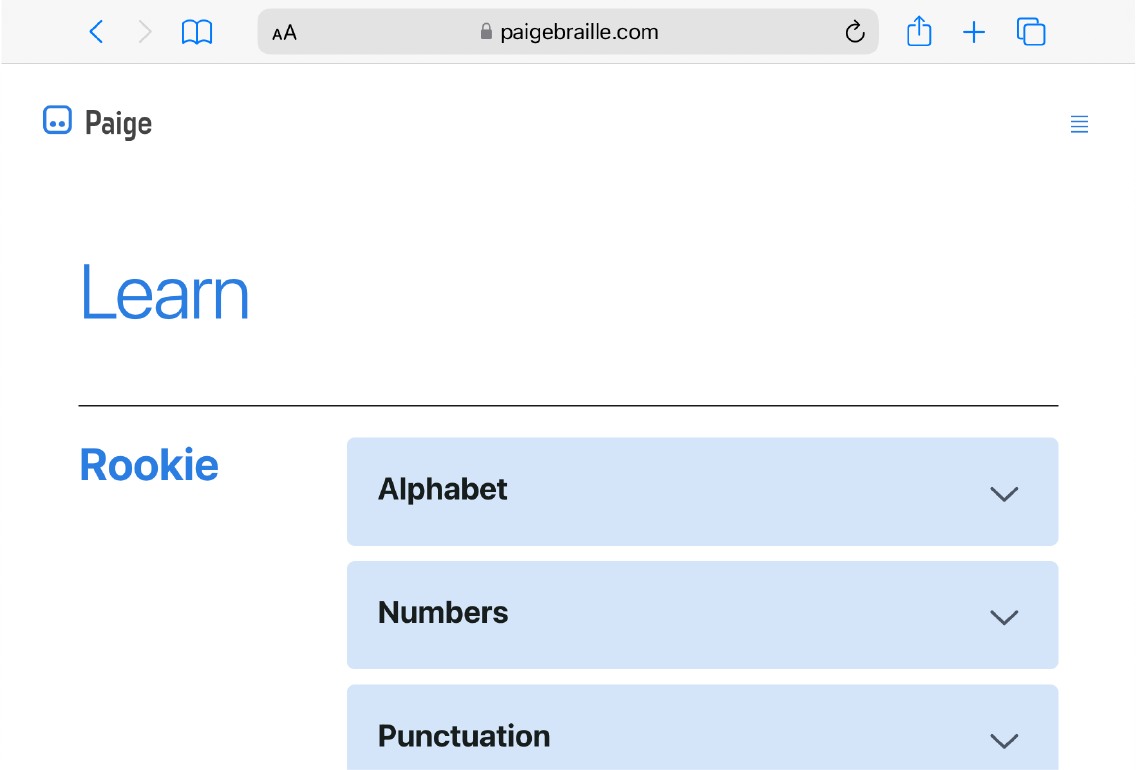
Go to our website at paigebraille.com/learn.
Technical Specifications
Mechanical Characteristics
| Specification | Value |
|---|---|
| Model | v1 |
| Weight | 0.2 kg |
| Size | 335.75 x 175 mm |
| Cable length | 1 m |
Electrical Characteristics
Power supply requirements:5V (DC), Min. 0.5A
Examples of suitable power sources:
- USB power socket
- Laptop USB port
- USB power adapter
Environmental Conditions
| Condition | Range |
|---|---|
| Temperature | 5°C to 40°C |
| Humidity | < 80% RH |
| Altitude | < 2000 m |
Safety Compliance Information
- Degree of protection IEC-60529:
IPX0 - Pollution degree:
2
Symbols


Polarity Symbol - Indicates the centre (or tip) of the output plug is positive


DC Power Supply
Maintenance
Once Paige Connect is installed it remains protected from the outside world. However, dust, dirt, and oil can accumulate inside your braille writer over time and affect its performance.Preventive Care
- Cover your braille writer with a dust cover when not in use
- Keep food and drinks away from the device
- Store in a clean, dry environment
Cleaning Instructions
- Always unplug Paige Connect before cleaning
- Use a dry and soft cloth only
- Do not use liquid cleaners or compressed air
- Clean gently to avoid damaging sensors
Spare Parts and Service
Spare Parts List
- Power cable: Type A Plug to DC Barrel Plug
2.5 x 5.5 mm
No user serviceable parts inside. Please contact us at hello@paigebraille.com
for service, repair and to purchase spare parts.
Recycling and Disposal
- Recycle electronic devices free at your local recycling centre
- UK residents: Search for your nearest recycling centre at www.recyclenow.com
- Many electrical components can be repaired or recycled, saving natural resources and the environment
Regulatory Markings
Your Paige Connect device complies with the following standards:FCC regulations
Federal Communications Commission compliance
CE marking requirements
European Conformity standards
UKCA standards
UK Conformity Assessed marking
WEEE directive
Waste Electrical and Electronic Equipment regulations
Download Manual
Download Official User Manual
Download the complete Paige Connect user manual in Microsoft Word format (Rev
1.3)
© Paige Braille Ltd